
How to Add Custom Text to WooCommerce Products is one of the most common questions among WooCommerce store owners who sell personalized products.
Whether customers want to add a name to a t-shirt, a special message to a mug, or custom text to a gift, offering text personalization can significantly improve the shopping experience and increase sales.
In this guide, you’ll learn how to add custom text to WooCommerce products, why the default WooCommerce installation doesn’t include this functionality, and the best way to create a professional product personalization experience.
Can WooCommerce Add Custom Text to Products?
By default, WooCommerce does not allow customers to add custom text directly to products.
While the platform supports product variations such as size, color, and other attributes, it doesn’t include built-in text personalization features.
This limitation makes it difficult to sell personalized products such as custom t-shirts, engraved gifts, mugs, phone cases, or promotional items without using an additional customization solution.
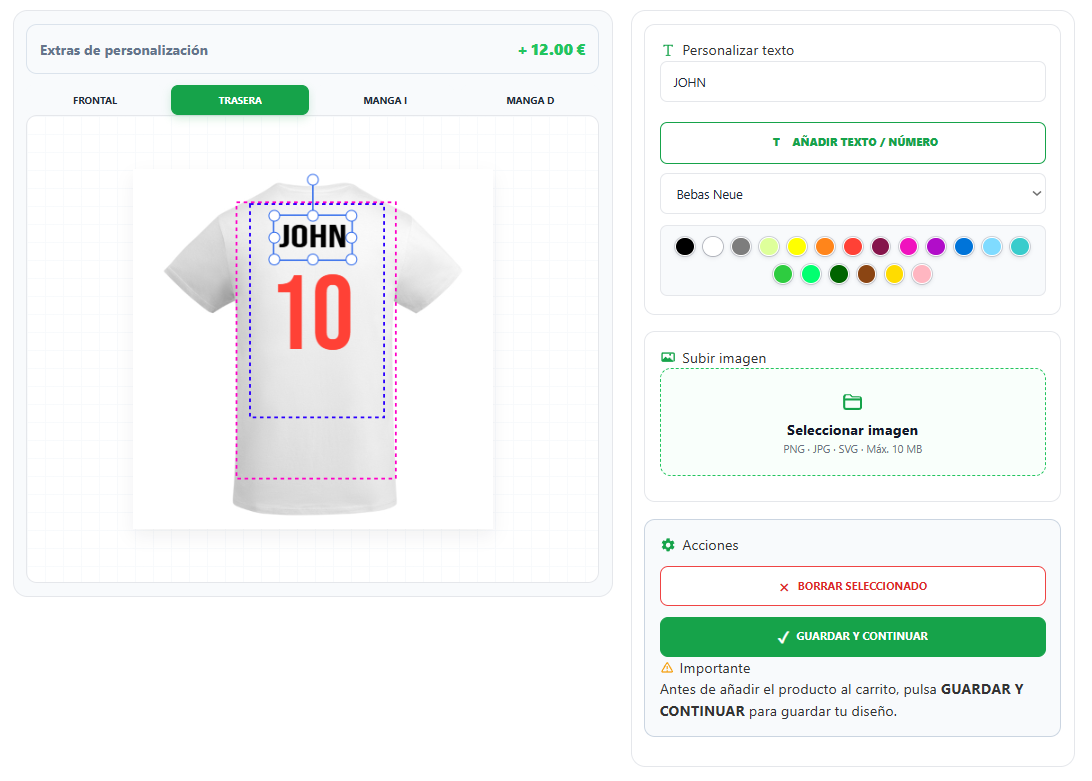
Why Offer Text Personalization?
Allowing customers to personalize products with their own text creates a more engaging shopping experience and adds value to every order.
Instead of purchasing a standard product, customers can create something unique by adding names, initials, dates, quotes, or personal messages directly on the product page.
Text personalization is especially popular for:
- Custom t-shirts
- Personalized mugs
- Hoodies
- Tote bags
- Phone cases
- Corporate gifts
- Promotional products
- Sports jerseys
- Birthday and wedding gifts
Giving customers the ability to preview their personalized text before purchasing also reduces mistakes and increases buyer confidence.
The Best Way to Add Custom Text in WooCommerce
The easiest and most professional way to add custom text to WooCommerce products is by using a product personalization plugin.
Instead of asking customers to write their personalization requests in order notes, they can type their custom text directly on the product page, choose fonts, adjust the size, change colors, and instantly preview the final result before purchasing.
This creates a much better shopping experience while reducing errors and simplifying the production process.
Solutions like LiveProduct Customizer combine text personalization, image uploads, live previews, multiple print areas, and WooCommerce integration in a single workflow.
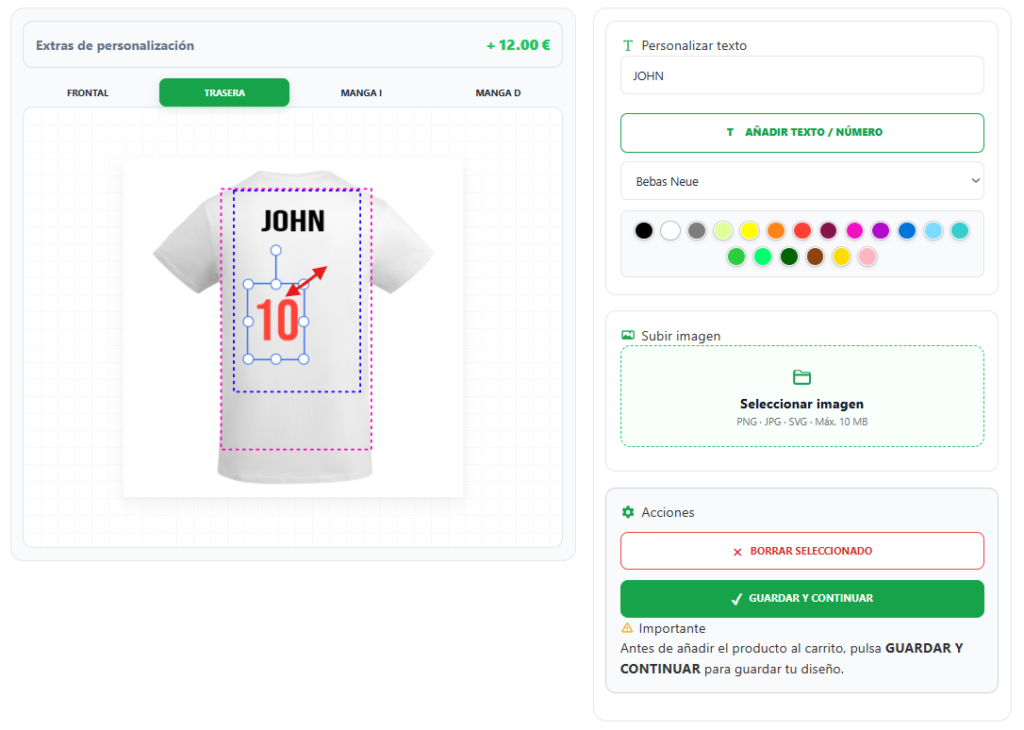
Features to Look for in a Text Personalization Solution
Not all WooCommerce personalization plugins provide the same level of flexibility. If you want to offer a professional customization experience, look for features such as:
- Live text preview
- Multiple font choices
- Custom text colors
- Font size adjustment
- Text rotation and positioning
- Multiple personalization areas
- Support for product variations
- Mobile-friendly editor
- WooCommerce compatibility
Choosing a complete text personalization solution helps customers create exactly what they want while making order processing easier for your business.
How to Choose the Right WooCommerce Text Personalization Plugin
Choosing the right plugin is essential if you want to offer a professional personalization experience without making the ordering process complicated.
When comparing different WooCommerce text personalization solutions, look for features such as:
- Live text editing directly on the product page.
- Real-time preview before adding the product to the cart.
- Multiple fonts and color options.
- Text positioning, resizing, and rotation.
- Support for names, messages, initials, and custom phrases.
- Compatibility with WooCommerce product variations.
- Mobile-friendly interface.
- Fast performance and easy administration.
A complete text personalization solution helps customers create unique products while reducing production errors and improving the overall shopping experience.
Final Thoughts
Adding custom text to WooCommerce products is essential for businesses that sell personalized items.
Although WooCommerce doesn’t include text personalization by default, using a dedicated product customization solution makes the entire process simple, intuitive, and professional.
If you want to let customers add names, messages, initials, or any custom text while previewing the final result before purchasing, LiveProduct Customizer provides a complete solution for WooCommerce stores.