
How to Let Customers Upload Images in WooCommerce is one of the most common questions among store owners who sell personalized products.
Many WooCommerce stores need more than simple product options. Customers often want to upload their own logos, photos, artwork, or designs before placing an order.
Whether you sell custom t-shirts, mugs, business cards, signs, gifts, or promotional products, allowing customers to upload images directly on the product page can significantly improve the buying experience.
In this guide, you’ll learn how to let customers upload images in WooCommerce, why the default WooCommerce installation can’t do it by itself, and the best solution for offering a professional product personalization experience.
Can WooCommerce Let Customers Upload Images?
By default, WooCommerce does not include a feature that allows customers to upload images or files directly on product pages.
While customers can choose product variations such as size or color, there is no built-in option to upload logos, photos, or custom artwork that can be used for personalization.
This limitation becomes a problem for businesses selling personalized products, where receiving the customer’s design is an essential part of the ordering process.
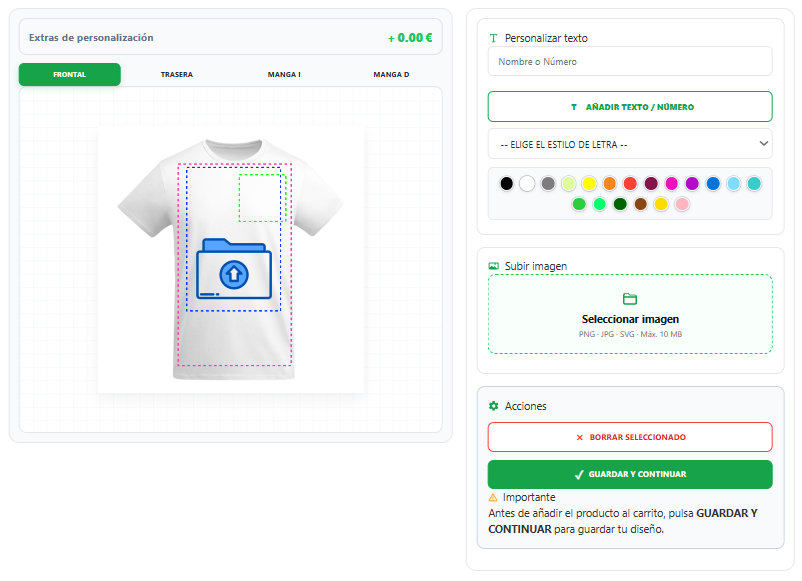
Why Allow Customers to Upload Images?
Allowing customers to upload images directly from the product page makes the ordering process faster, easier, and more professional.
Instead of exchanging emails after the purchase, customers can submit their artwork, logo, or photo before completing the order. This reduces mistakes, saves time, and improves customer satisfaction.
Image uploads are especially useful for businesses that sell:
- Custom t-shirts
- Personalized mugs
- Phone cases
- Business cards
- Stickers
- Promotional products
- Signs and banners
- Corporate gifts
- Print-on-demand products
Providing a seamless upload experience also increases buyer confidence, making customers more likely to complete their purchase.
How to Let Customers Upload Images in WooCommerce
The most effective solution is to use a WooCommerce product personalization plugin that allows customers to upload images directly on the product page while previewing the final result before purchasing.
Instead of collecting files by email, customers can upload their logo, photo, or artwork, position it exactly where they want, resize it, and see a live preview of the personalized product.
This creates a much better shopping experience while reducing order errors and saving time for both customers and store owners.
Solutions like LiveProduct Customizer combine image uploads, text personalization, live previews, multiple print areas, and WooCommerce integration in a single workflow.
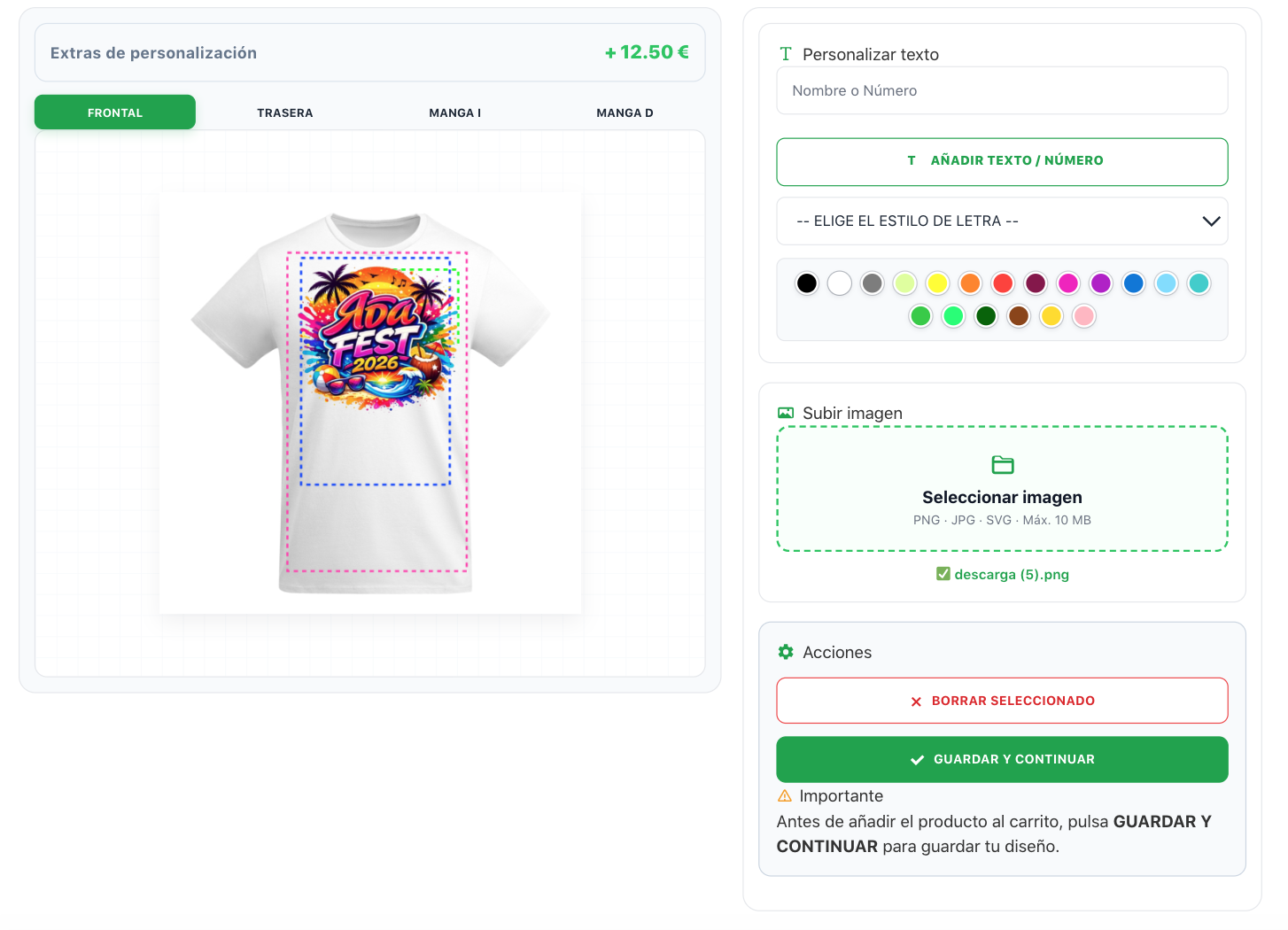
Features to Look for in an Image Upload Solution
Not all WooCommerce personalization plugins offer the same capabilities. If you want to provide a professional customization experience, look for features such as:
- Image uploads directly on the product page
- Live product preview
- Text personalization
- Drag-and-drop image positioning
- Image resizing and rotation
- Multiple personalization areas
- Support for product variations
- Mobile-friendly interface
- WooCommerce compatibility
Choosing the right solution will improve both the customer experience and your store’s workflow.
How to Choose the Right WooCommerce Image Upload Plugin
Choosing the right plugin is important if you want to offer a professional shopping experience and reduce manual work.
When comparing different WooCommerce image upload solutions, consider the following:
- Easy image uploads directly on the product page.
- Live preview before adding the product to the cart.
- Support for logos, photos, and custom artwork.
- Text and image personalization in the same editor.
- Multiple print areas for products such as t-shirts and hoodies.
- Compatibility with WooCommerce product variations.
- Mobile-friendly interface.
- Reliable performance without slowing down your store.
A complete product personalization solution should make the ordering process simple for customers while giving store owners everything they need to produce personalized products accurately.
Final Thoughts
Allowing customers to upload images directly in WooCommerce is essential for any business selling personalized products.
While WooCommerce doesn’t include this functionality by default, using a dedicated product customization solution makes the entire process much easier for both customers and store owners.
If you want to offer a professional shopping experience with live previews, image uploads, text personalization, and support for multiple product types, LiveProduct Customizer provides everything you need to build a complete personalized product store.